

TL;DR: The productivity gain from AI agents doesn't come from the tools themselves. It comes from the system around them: a delegation pipeline from Slack to Linear to Cursor, an agents.md file that teaches agents your codebase's non-obvious patterns, and a team habit of writing down what works and what doesn't.
The AI Coding Agent Revolution
AI coding agents have evolved far beyond autocomplete. Today's tools can implement features, debug issues, and handle entire workflows while you focus on higher-level work. But having access to powerful tools doesn't automatically make you productive. The difference between "AI helps sometimes" and "AI is how our team ships" comes down to workflow setup and the institutional knowledge you build around it. This post covers the practical side: the tool landscape in brief, the delegation pipeline we actually use, and the documentation habits that compound over time.
Understanding the AI Coding Agent Landscape
The specific products change every quarter, so I won't catalog them. What stays stable is the split into two categories. Autonomous agents (cloud agents you assign work to, like Cursor's background agents or Devin) execute well-defined tasks independently and hand you back a PR. Collaborative agents (Claude Code, Cursor's composer, and their peers) work alongside you in real time and are best for exploration, debugging, and design. Matching the task to the category is the core skill, and I wrote a whole post on delegating vs leveraging about exactly that.
Setting Up Your AI Workflow
Cloud-Based Agents for Delegation
Autonomous agents can work on tasks independently while you do something else, but only if the handoff is clean. The agent needs to know exactly what to do, where to find the relevant code, and what success looks like. Create the task in your project management tool, enrich it with context, assign it, and review later.
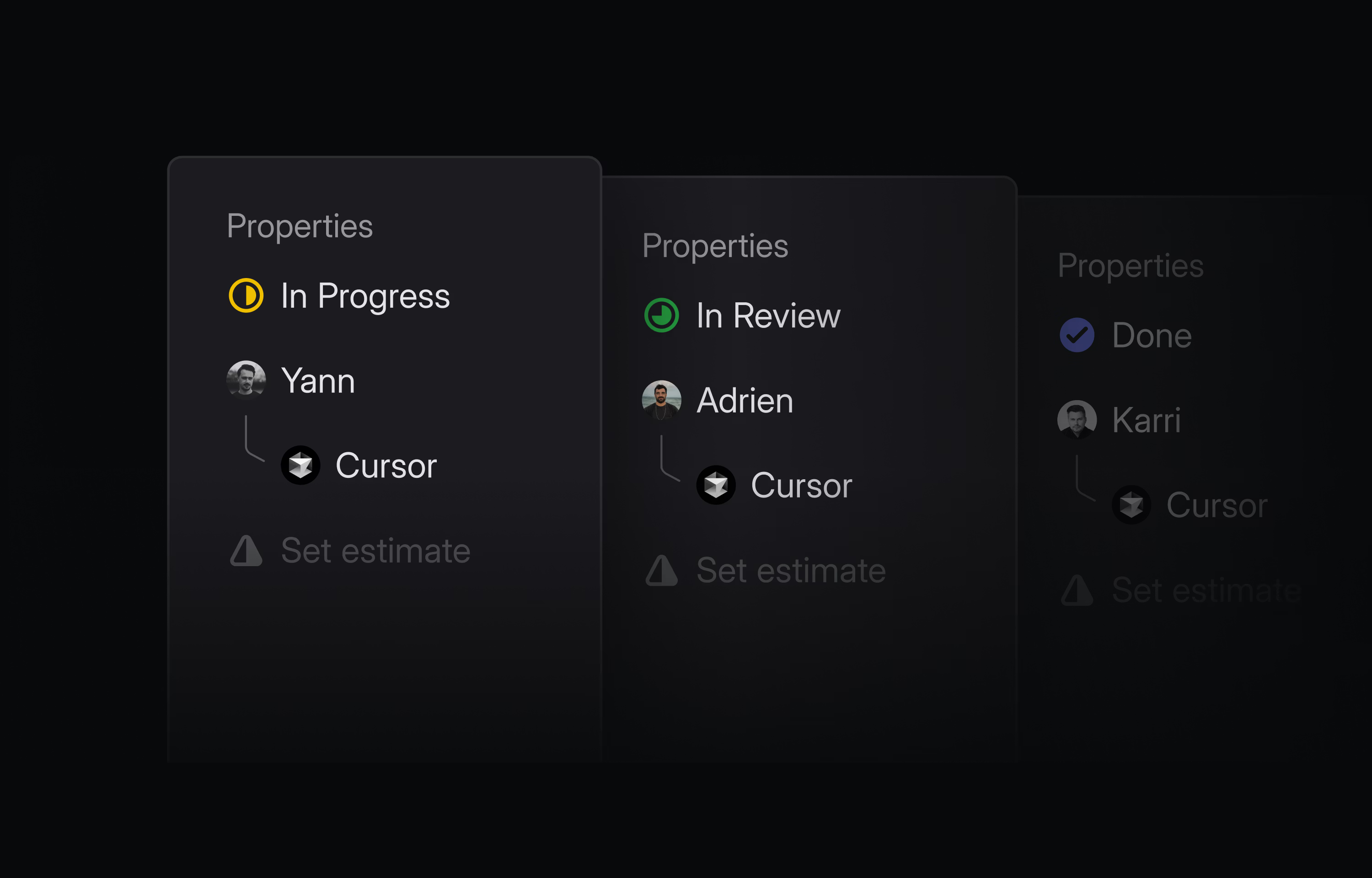
Cloud-based AI agents can handle delegated tasks autonomously
The Slack → Linear → Cursor Pipeline
The real power comes from project management integrations that let you delegate directly from your issue tracker. With the Linear + Cursor integration, you mention @cursor in an issue comment or pick Cursor from the assignee menu, and the cloud agent picks up the task, works on it, and opens a PR when done, keeping Linear updated with progress the whole way.
Here's the workflow our team landed on (not an endorsement, just what works for us): when non-engineers flag a bug in Slack, they use @linear create a ticket based on this context to turn the discussion into a properly formatted ticket. We assign it to @cursor and let it handle the investigation and fix. Everything stays in tools we already use, with no context switching.
Setting Up an Effective Delegation Pipeline:
- 1.Issue Creation: Use Slack integrations or voice-to-text tools to quickly capture tasks with full context.
- 2.Task Enrichment: Add code references, examples, and success criteria before assigning to an agent.
- 3.Agent Assignment: Match the task complexity to the right agent capability.
- 4.Batch Review: Schedule time to review completed tasks together rather than context-switching throughout the day.
Context Is Everything: The agents.md Pattern
The biggest struggle I see is giving AI the right context about a codebase. You can't say "update the context" and expect the AI to know whether you mean React Context, your custom store, or a feature flag. The fix is a documentation file (like agents.md) in your repo that explains your codebase patterns. Not the whole architecture diagram. Just the stuff that's confusing or non-obvious:
# Codebase Patterns for AI Agents

## State Management
- **CLS Store**: Our custom store in src/store/cls-store.ts
  - Used for conversation-level state
  - Accessible via useCLSStore() hook

- **React Context**: Only for theme and auth
  - ThemeContext in src/contexts/theme
  - AuthContext in src/contexts/auth

## Feature Flags
- Managed via config/features.ts
- Check flags with useFeature('FLAG_NAME')
- NEVER check feature flags in server-side loaders

## Common Gotchas
- "Context" usually means CLS Store, not React Context
- All API calls go through src/lib/api-client.ts
- Database queries must use the transaction wrapper

## Testing Patterns
- Unit tests use vitest with @testing-library/react
- E2E tests use Playwright
- Mock external APIs with MSW handlers in tests/mocks/
Now when you say "update the context to include user preferences," the AI knows exactly what you mean. This single file has probably saved our team hours of miscommunication.
What to Include in Your agents.md
Include ✓
- • Non-obvious naming conventions
- • Custom abstractions and their purposes
- • Common gotchas and pitfalls
- • File organization patterns
- • Testing conventions
- • API client usage patterns
- • State management approach
Skip ✗
- • Full architecture diagrams
- • Complete API documentation
- • Obvious patterns (standard React, etc.)
- • Duplicating existing docs
- • Implementation details that change often
Advanced Productivity Patterns
Codifying Your Debugging Process
When you hunt a bug, you probably follow the same process every time: check recent commits, look at related files, trace the data flow, check the tests. Instead of guiding the AI through that process manually every time, encode it once as a custom instruction set or skill. Then "help me debug this checkout issue" automatically triggers the whole investigation, and the agent comes back with either "found the bug" or "didn't find it, here's what I checked." Either way you saved 30 minutes of manual digging. I go deeper on this in my post on turning expertise into reusable workflows.
Templates and Voice-to-Text
Two smaller habits that compound. First, for tasks you delegate repeatedly (feature flag removals, test backfills), keep a specification template with the requirements and success criteria pre-written, so each new task is a fill-in-the-blanks exercise rather than a fresh essay. Second, use voice-to-text (Super Whisper, or your OS's built-in dictation) to capture specs. Describing requirements out loud is much faster than typing them, and it has probably doubled my delegation throughput.
Building Team Capabilities
Being individually productive with AI is nice. The real win is getting the whole team there, and that means writing down what works. That agents.md file is just the start. Turn it into a living document that captures everything your team learns:
- Failure Patterns: "Don't ask AI to refactor auth logic, it always misses edge cases"
- Success Templates: Proven task specifications that work reliably
- Context Guidelines: How to reference your specific codebase patterns
- Agent Strengths: Which agent to reach for per task type, based on your team's actual experience
Keep it searchable, update it when you learn something, and put it in front of new hires on day one: tool setup, the agents.md walkthrough, a pairing session watching someone delegate a real task, then their first delegated task with feedback. That's the whole onboarding.
Measuring Success
How do you know if your AI workflows are actually working? Here are the signals I watch:
Positive Signals
- ✓Delegated tasks complete with 0-1 review loops
- ✓Team members share successful specs in Slack
- ✓agents.md gets updated regularly
- ✓New hires adopt AI workflows within first week
- ✓PR velocity increases without quality decrease
Warning Signs
- ✗Tasks require 3+ review loops regularly
- ✗Team members avoid AI for "important" work
- ✗AI-generated code causes production issues
- ✗Only one or two people use AI effectively
- ✗No documentation of what works/doesn't work
Wrapping Up
The teams that thrive with AI aren't the ones with the best tools. They're the ones that build systems around the tools. An agents.md file takes an hour. A Linear integration takes an afternoon. A habit of sharing what works takes consistency, but it's the part that compounds.
Start small: create your first agents.md today, write one task template for something you do often, and share the first spec that works with your team. The goal isn't just to make yourself more productive. It's to make the whole team faster than any one person could be.